- Start with your school's daily processes, not with a feature list.
- Learner data is children's data — protection, backups and access rights matter as much as features.
- Compare the full cost over three years: set-up, data import, training, support and hosting, not just the licence.
- Roll the system out in stages, starting at the beginning of a term.
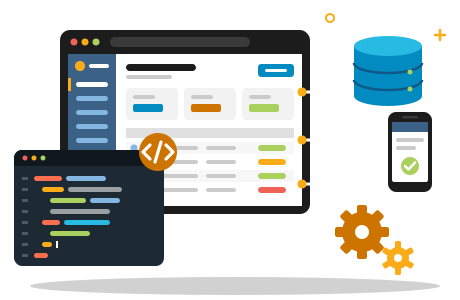
A good school management system takes the paperwork out of running a school: learner records, attendance, timetables, fees and report cards in one secure place, available to staff and parents from any device. For Namibian schools the choice has grown — from international platforms to open-source software hosted locally — and comparing them is not always easy.
This guide gives principals, bursars and school boards a practical checklist: what a school management system in Namibia should do, which questions to ask every vendor, and how to roll a new system out without disrupting the school year.
What a School Management System Should Do for You
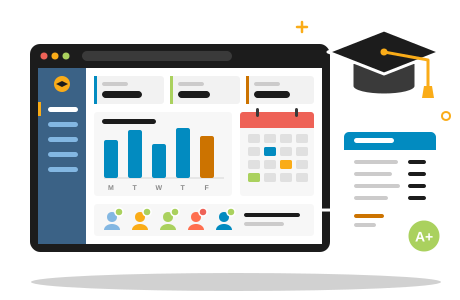
At its core, school management software — also called school administration software — replaces registers, spreadsheets and paper files with one shared database. Every learner has a single record that teachers, the office and, where you allow it, parents can see. Done well, it saves hours every week: attendance is captured once, report cards are generated rather than typed, and fee statements are always up to date.
There is no single best school management system for every school. The right one is the system your staff will actually use every day, that fits the way your school is organised, and that keeps learners' information safe.
The Feature Checklist
Use this list to compare systems side by side. Mark each item as essential, nice to have or not needed for your school.
- Learner records and admissions — applications, enrolment, guardians, contact details, medical notes and documents in one profile.
- Attendance — quick class registers, late arrivals and absence reports for the office.
- Timetables — classes, teachers and rooms, with changes visible to everyone.
- Assessment and report cards — markbooks, your own grading scales and report templates that match how your school reports.
- Fees and finance — invoices, payments, outstanding balances and statements for parents.
- Parent communication — announcements, messages and a parent portal or app.
- Staff management — staff records, roles and, if you need them, leave and HR details.
- Library, hostel and transport — valuable for boarding schools and larger campuses.
- Roles and permissions — teachers see their classes, the bursar sees finances, parents see only their own children.
- Mobile access — the system must work well on phones, because that is how many parents and teachers will use it.
Also ask how the system connects to the tools you already use: your accounting package, bulk SMS or email for parent messages, and — if you teach online — a learning platform such as Moodle. A system that exports clean data is easier to live with than one that keeps everything locked inside.
Data Protection, Hosting and Backups
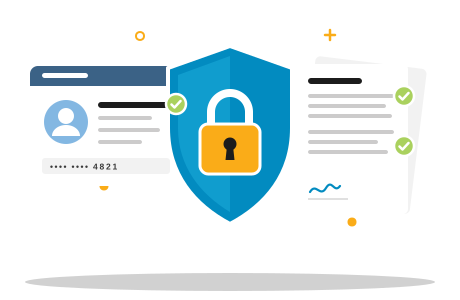
A school management system holds some of the most sensitive information your school has: data about children. Before you compare screens, ask where that data will live and how it is protected.
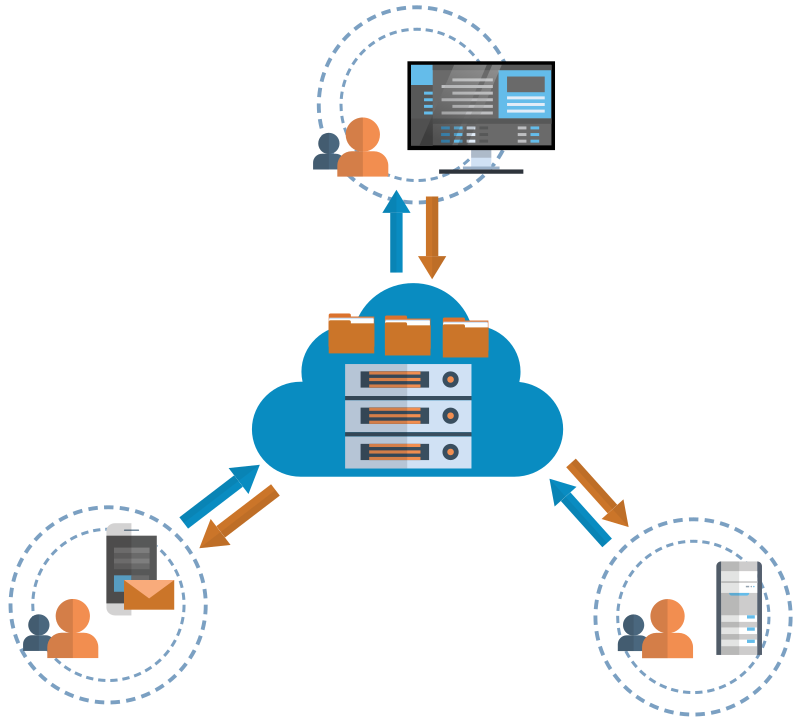
- Hosting — is the system in a global cloud, on a server at the school or with a provider you can speak to directly? Who has administrative access?
- Backups — how often are they made, where are they stored and how quickly can data be restored?
- Security — encrypted connections (HTTPS), strong passwords and, ideally, two-factor sign-in for staff accounts.
- Access control — can you limit exactly who sees health records, disciplinary notes or fee balances?
Namibia is preparing its first dedicated data protection law, and the latest published draft restricts the processing of children's personal data without the consent of a parent or other competent person. Our guide to Namibia's Data Protection Bill explains what that could mean for schools.
Local Fit: Does It Work the Way Your School Works?
Many systems are designed around other countries' school calendars, grading systems and currencies. Check that the software can handle:
- your term structure and school calendar;
- your own grading scales, subjects and report card layout;
- fees in Namibian dollars and your own payment arrangements;
- communication in the language your parents prefer;
- staff and parents on limited data budgets — a light, mobile-friendly interface matters.
Ask every vendor to produce one of your real report cards in their system before you sign anything. It is the quickest way to see whether the software fits your school or whether your school would have to fit the software.
Understanding the Cost Model
School management software is usually priced in one of three ways: per learner per year, a flat monthly subscription for the whole school, or a once-off licence plus annual support. Whatever the model, compare the total cost over three years, including:
- set-up and configuration;
- importing existing learner and fee data;
- training for office staff and teachers;
- ongoing support and software updates;
- hosting, storage and backups;
- optional extras such as SMS messages.
As an example of a hosted subscription, PHOENIX hosts Gibbon — an award-winning open-source school platform created by teachers — from N$ 1 200 per month excl. VAT for up to 200 learners with 10 GB of storage on a shared server, with dedicated server options for larger schools. Because Gibbon is open source, there is no per-learner licence fee and you are not locked into a single vendor.
Questions to Ask Every Vendor
- Can we try the system with a sample of our own data before we commit?
- Where is our data hosted, and who can access it?
- How often are backups made, and when did you last test a restore?
- Can we export all our data in a standard format if we ever leave?
- What exactly is included in the price — and what costs extra?
- How is training delivered, and how do we get help during the school day?
- Can the system produce our report cards and fee statements in our format?
- How often is the software updated, and who pays for upgrades?
- Which schools of a similar size already use it?
Implementation: A Calm, Step-by-Step Roll-Out
- Agree on goals. Decide which problems to solve first — usually attendance, learner records and fees.
- Name a champion. One staff member who knows the school's processes well should own the project and be the first point of contact for colleagues.
- Clean your data. Tidy class lists and contact details before they are imported.
- Configure. Set up terms, classes, subjects, grading scales and user roles.
- Train in small groups. Office staff first, then teachers, then parents.
- Go live at the start of a term. Begin with attendance and records; add report cards and parent access once staff are confident.
- Review after one term. Collect feedback and adjust settings before expanding.
If your school also teaches online, a self-hosted learning platform such as Moodle can sit alongside your management system — our comparison of Moodle vs Google Classroom explains why Moodle is the stronger choice. If you are weighing a tailor-made system instead, read our article on custom versus off-the-shelf software.