- Google Classroom is a simple assignment hub; Moodle is a complete learning management system.
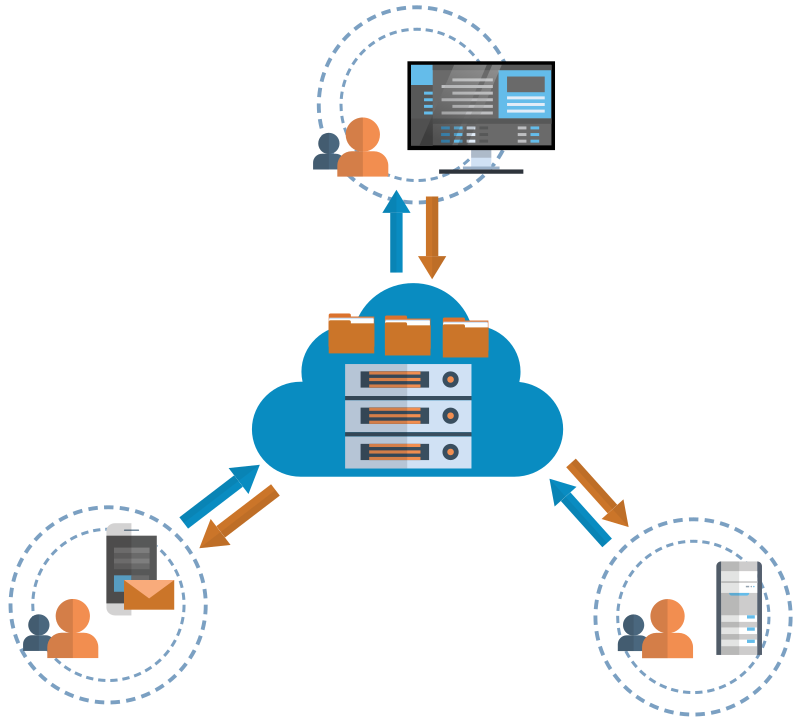
- Classroom's free edition is limited to accredited schools and keeps your learners' data in Google's cloud.
- Moodle is open source and runs on a server you choose, so your institution stays in control of its data.
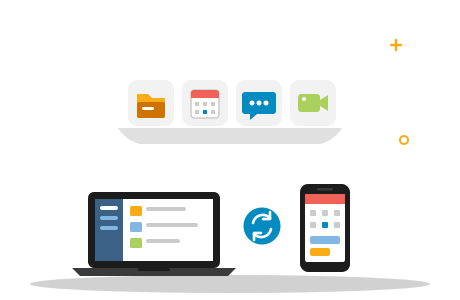
- The Moodle app downloads course content for offline learning — a real advantage where data is costly or patchy.
Moodle vs Google Classroom is one of the first questions schools, colleges and training providers ask when they move teaching online. Both work in a browser and on phones, but they are very different tools. Google Classroom is a simple class hub for assignments inside Google's cloud; Moodle is a full, open-source learning management system (LMS) that runs on a server you control.
The short answer: for structured courses, meaningful assessment, offline learning and control over your learners' data, Moodle is the stronger choice — for schools, colleges, vocational training centres and training providers alike.
Here is how the two compare on cost, features, data control and connectivity, and what it takes to make Moodle work well in Namibia.
Two Different Kinds of Tool
Google Classroom is part of Google Workspace for Education. Teachers create classes, post material and announcements, set assignments and return grades, and everything is stored in Google Drive. It is deliberately simple — which also means it stops where structured courses begin.
Moodle is an open-source learning management system used by schools, universities and training organisations around the world. A Moodle course can combine lessons and resources, quizzes drawn from question banks, forums, peer-assessed workshops, completion tracking, badges and a detailed gradebook. Hundreds of plugins add more, from certificates to attendance registers.
Moodle vs Google Classroom at a Glance
| Google Classroom | Moodle | |
|---|---|---|
| Type | Class hub for assignments and feedback | Full learning management system (LMS) |
| Cost | Free with Education Fundamentals for qualifying schools; paid editions add features | Free open-source software; you pay for hosting and administration |
| Who can use it | Only accredited schools and degree-granting institutions qualify for the free edition | Any organisation — schools, colleges, companies, training providers |
| Course design | A stream of posts and assignments per class | Structured courses with sections, access conditions and completion tracking |
| Assessment | Assignments, rubrics and quizzes through Google Forms | Advanced quizzes, question banks, workshops, rubrics and competencies |
| Reporting | Grade overviews per class | Detailed gradebook, activity logs and reports |
| Mobile and offline | Mobile apps; full use needs a connection | Moodle app with offline downloads |
| Data and hosting | Google's cloud | The server or hosting provider you choose |
| Admin effort | Very low | Moderate — or none for you with managed hosting |
Cost and Licensing
As of October 2026, Google Workspace for Education Fundamentals — which includes Classroom — is available at no charge to qualifying institutions. According to Google, these are K–12 schools and degree-granting higher-education institutions that are recognised by their government and accredited. Organisations that are not schools, such as job-training or tutoring programmes, do not qualify even if they serve students, and the platform and its data stay in Google's cloud.
Moodle itself costs nothing to download, but it has to run somewhere. You either host and maintain it yourself — server, updates, backups and security — or let a provider do it for you. PHOENIX, for example, hosts Moodle for Namibian institutions from N$ 1 200 per month excl. VAT for up to 200 students with 10 GB of storage, with dedicated server options for larger colleges.
Whichever way you run it, the licence is rarely the biggest cost. Budget for the time it takes to train teachers, build good courses and support learners in the first weeks — that investment decides whether online learning succeeds.
Data, Connectivity and Offline Learning
For many learners, mobile data costs and patchy coverage matter more than any feature list.
The official Moodle app lets learners download a single resource, a section or a whole course and work through most of it offline, then sync their progress when they reconnect. Learners can choose to sync only on Wi-Fi, and teachers can allow offline attempts for some quizzes and lessons. Site administrators decide whether offline downloads are allowed at all.
Google Classroom needs an internet connection for full access. Files can be made available offline through Google Drive, but submitting work and taking part in the class stream still require a connection.
Who Benefits Most From Moodle
- Schools that want more than an assignment inbox — structured courses, question banks and progress tracking from primary to senior secondary level.
- Colleges, vocational training centres and universities — Moodle's courses, assessment and reporting fit formal programmes.
- Training providers and companies — they do not qualify for Google Workspace for Education, while Moodle works for any organisation.
- Institutions with strict data requirements — Moodle on a server you control keeps learners' records where you decide, which matters with Namibia's data protection law on the way (see our guide to the Data Protection Bill).
- Blended and distance learning — Moodle combined with live virtual classrooms.
Five Questions to Answer Before You Start
- Who are your learners? Children in one school, or adults on courses from many organisations?
- How do you assess? If you need question banks, weighted grades or competency tracking, a full LMS pays off.
- How do learners connect? If many rely on prepaid mobile data, offline downloads become essential.
- Who will run it? A platform without an administrator or a managed hosting partner quickly falls behind on updates.
- Where should the data live? Decide where your learners' records may be stored — and choose a server you control.
Live Lessons and School Administration
For live teaching, BigBlueButton adds a virtual classroom with a shared whiteboard, breakout rooms and session recordings, and it integrates with Moodle — so timetabled lessons, recordings and coursework all live on one platform you control.
Remember that a learning platform is not a school management system: admissions, attendance, fees and report cards belong in a dedicated tool. Our school management system guide explains what to look for, and our education software overview shows the platforms we host.
Moving From Google Classroom to Moodle
- Start with a pilot. Move one course or department first.
- Bring your material across. Collect your files from Google Drive and arrange them into Moodle course sections.
- Rebuild quizzes in the question bank. This is where Moodle's assessment features pay off over time.
- Set up accounts. Upload users in bulk; during the transition, Moodle can also let people sign in with their existing Google accounts.
- Train teachers first. Keep the first courses simple and add features as confidence grows.