- A professional email address uses your own domain, such as info@yourbusiness.com.na, not a free Gmail or Yahoo address.
- You need three things: a domain name, an email hosting service and the right DNS records.
- Self-hosted business email keeps your mailboxes and data under your control, without per-user subscription fees.
- Protect every mailbox with a strong password and two-factor authentication, and publish SPF, DKIM and DMARC records.
An address like yourbusiness@gmail.com works, but it does not inspire much confidence: anyone can create one in a minute. A professional email address on your own domain, such as info@yourbusiness.com.na, tells customers that they are dealing with an established business and puts your brand on every message you send.
Here is how to create a business email address step by step: what you need, why self-hosted email is the sensible choice and how to set it up securely.
Why Not Just Use a Free Gmail Address?
Free email accounts are excellent for personal use. For a business they have real drawbacks:
- Trust. Customers, suppliers and banks are more cautious with free addresses, because scammers use them too.
- Brand. Every email you send repeats your business name, and your address matches your website.
- Control. A free account belongs to the person who created it. With your own domain, the business decides who has a mailbox, and when an employee leaves, their address and its messages stay with you.
- Consistency. The whole team uses the same format, such as name@yourbusiness.com.na, instead of a mix of personal accounts.
- Protection. Because you control the domain's DNS, you can publish the records that stop criminals from sending email in your name.
The Three Things You Need
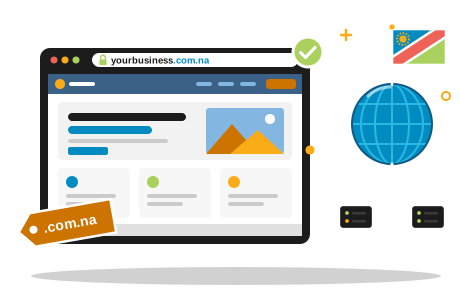
- A domain name. Your address on the internet, such as yourbusiness.com.na. If you do not have one yet, read our guide on how to register a .na domain.
- An email hosting service. The servers that store your mailboxes and send and receive your messages.
- DNS records. The MX records tell the world where to deliver your mail, and the SPF, DKIM and DMARC records prove that your messages are genuine.
The domain and the email service can come from the same provider or from different ones; the DNS records connect them either way.
Why Self-Hosted Business Email Makes Sense
For the email service itself, we recommend self-hosted business email: mailboxes on your own domain, running on managed servers that your hosting provider looks after for you. Compared with the per-user subscription suites from large international providers, it has clear advantages:
- Predictable costs. Mailboxes come with your hosting package or at a fixed price per year, instead of a monthly fee for every user that grows with your team.
- Your data, under your control. Your messages are not stored on the platform of a foreign provider whose terms, prices and data policies can change at any time.
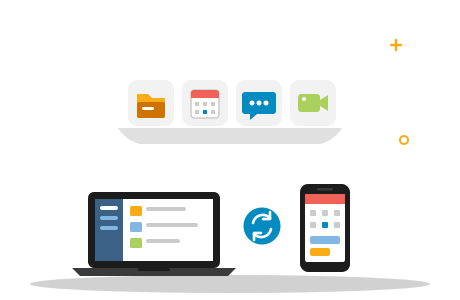
- Works with the apps you already use. Standard IMAP and SMTP mean your mailboxes work in the mail app on your phone, in Outlook, Apple Mail and Thunderbird, and in any browser through webmail.
- One partner. Domain, DNS, website and email are looked after together, so nothing falls between two providers.
Our Business website package, for example, includes three mailboxes on your own domain. If your team also needs shared files, calendars and video meetings, a self-hosted Nextcloud covers those without per-user subscriptions. Our comparison of Nextcloud with the subscription suites explains the difference.
How to Create a Business Email Address, Step by Step
- Secure your domain. Register it in your business's name, or check that the existing domain is registered to you.
- Set up email hosting for your domain with your hosting provider.
- Create the mailboxes. Decide on the addresses (see the naming tips below) and set a strong, unique password for each one.
- Point the MX records of your domain to your email hosting. Until you do, mail keeps arriving at the old destination.
- Add SPF, DKIM and DMARC records so receiving servers can verify that your mail is genuine.
- Set up your devices: phone, laptop and webmail (details below).
- Test it. Send messages to and from a Gmail and an Outlook.com address and check that they arrive in the inbox.
- Switch over. Update your website, email signature, business cards and invoices, and set up forwarding or an auto-reply on your old free address for a few months.
Choosing Your Email Addresses
A clear naming scheme looks professional and keeps working as your team grows:
- Personal addresses for each staff member: firstname@ for a small team, or firstname.lastname@ if names may repeat.
- Role addresses for functions rather than people: info@, sales@, accounts@ or support@. They stay the same when staff change, so put these on your website and invoices.
- Aliases and forwarding. A role address does not always need its own mailbox. An alias can deliver its mail into one or more existing mailboxes.
Avoid nicknames, numbers and long department names, and keep the spelling simple enough to read out over the phone.
Setting Up Email on Your Phone and in Outlook
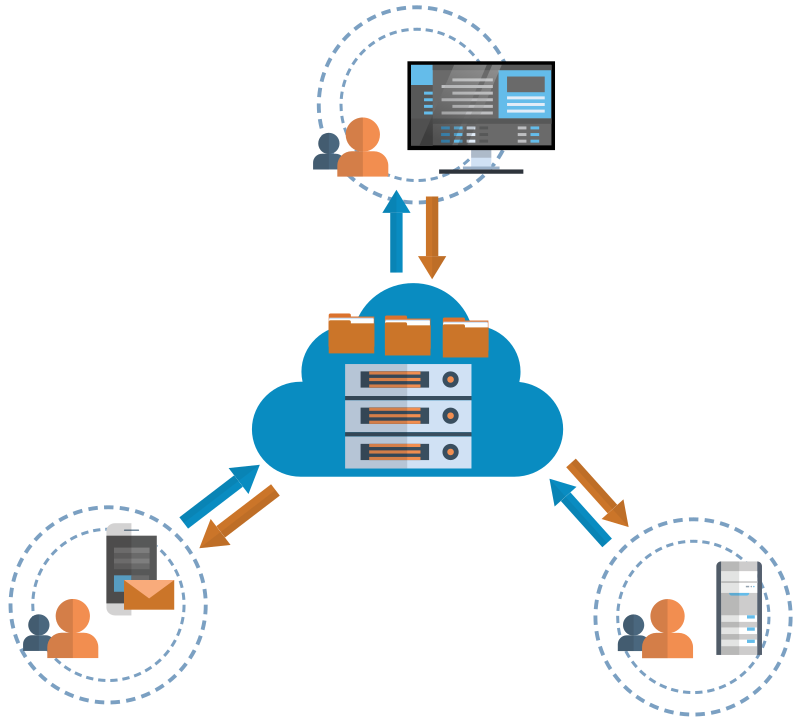
Self-hosted mailboxes work with the standard mail apps on iPhone and Android, with Outlook, Apple Mail and Thunderbird, and in any browser through webmail. When you add the account, choose IMAP rather than POP3: IMAP keeps your messages on the server, so your phone, laptop and webmail always show the same inbox.
Your provider gives you the server names. The usual secure settings are:
- Incoming (IMAP): port 993 with SSL/TLS
- Outgoing (SMTP): port 465 with SSL/TLS, or port 587 with STARTTLS, always with your username and password
Webmail is always there as a fallback: open it in any browser when you are away from your own devices.
Keep Your Business Email Secure
- Use strong, unique passwords for every mailbox, stored in a password manager.
- Turn on two-factor authentication wherever your email service offers it.
- Give each person their own login. Shared passwords make it impossible to know who did what, or to remove access cleanly when someone leaves.
- Watch out for phishing. Be suspicious of unexpected messages asking you to log in, pay an invoice or change bank details.
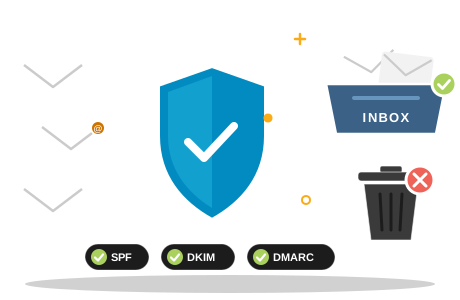
- Publish SPF, DKIM and DMARC. They protect your domain against spoofing and help your messages reach the inbox. Our guide on why emails go to spam explains them in plain language.
- Close accounts when staff leave, and forward their mail to a colleague so nothing gets lost.