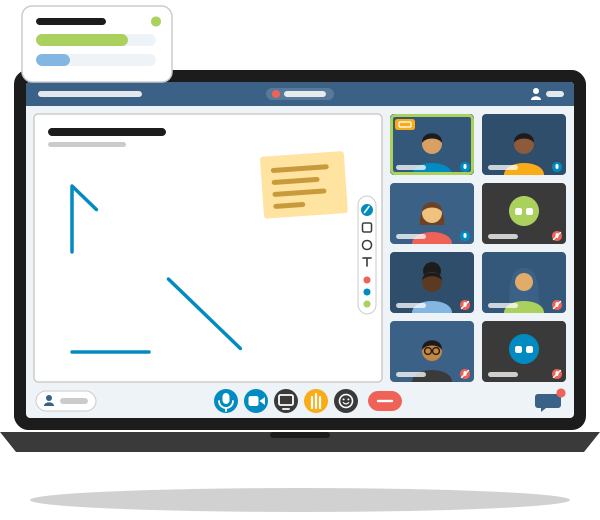
BigBlueButton Hosting Virtual Classrooms for Namibian Schools & Colleges
Live online lessons with whiteboard, breakout rooms and recordings, on a server we run for you
WHAT YOU CAN DO WITH BIGBLUEBUTTON
The tools of a real classroom, online
Present & Annotate
Upload PDF or Office slides, draw and highlight on them live, or hand learners the pen on the multi-user whiteboard.
Work in Groups
Send learners to breakout rooms for group work, visit each room, and bring the whole class back with one click.
Check Understanding
Run quick polls during the lesson and see the answers straight away, without leaving the session.
Record Every Lesson
Record a session so learners who missed it, or want to revise, can replay the slides, audio, video and chat afterwards.
Chat & Shared Notes
Public and private chat, plus shared notes the whole class can write in together during the lesson.
See Who Takes Part
The learning analytics dashboard shows who joined, who spoke, who wrote in the chat and who answered the polls.
A Look Inside the BigBlueButton Classroom
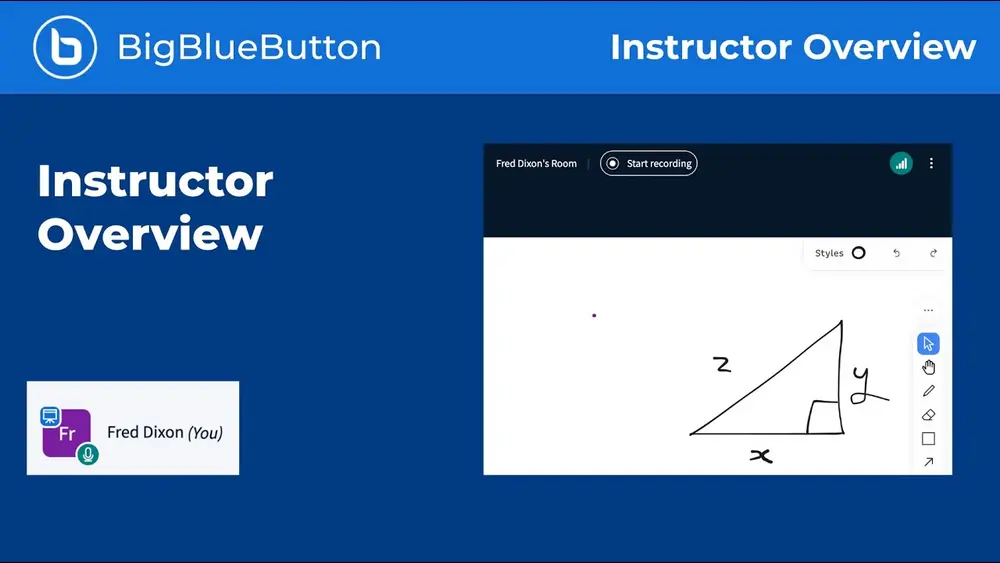
The BigBlueButton project's own instructor overview shows the classroom from the lecturer's side.
Want to try it yourself? Ask for demo access and run a test class with your colleagues before you decide.
The video is hosted on YouTube. It only loads when you click “Allow once”, so YouTube sets no cookies before you choose to watch.
BigBlueButton Inside Your Moodle Courses
Already teaching with Moodle? BigBlueButton has been part of Moodle since version 4.0.
Lecturers add a BigBlueButton room to a course like any other activity. Learners enter the class from the course page without a second login, and the recordings stay with the course. We connect your Moodle site to your PHOENIX BigBlueButton server.
- Live sessions as course activities
- Sessions in the course calendar
- Lecturers join as moderators
- Learners join as viewers
- Recordings kept with the course
- No extra login for learners
Built for Real-World Connections
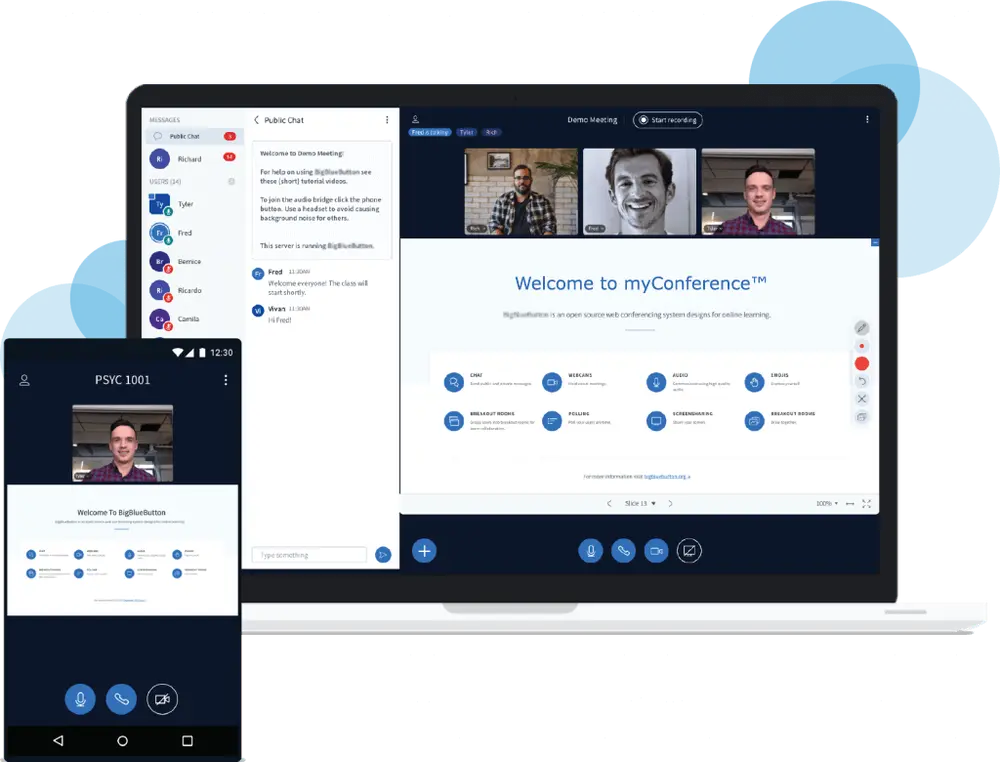
Not every learner has fast, cheap internet. BigBlueButton lets them take part on the connection and device they have.
-
Listen-Only Mode
Learners can join with audio only, without a microphone, and still follow the slides and the chat.
-
Webcams Optional
Lecturers can teach with slides instead of video, and learners can switch off other people's webcams in the data-saving settings.
-
Any Device, No App
BigBlueButton runs in the browser on laptops, tablets and phones, so learners use the device they already have.
-
Catch Up Later
If the connection drops, learners rejoin with the same link or replay the recording after class.
From First Call to First Live Class
We size the server to your classes, set it up and get your lecturers ready to teach.
You do not need a server administrator. We take care of installation, security, updates and support, and your lecturers start their classes from Moodle or the browser.
-
Tell Us About Your Classes
How many learners you have, how many classes run at the same time and whether you already use Moodle. We recommend a shared or a dedicated server to match.
You get: a clear monthly quote -
We Set Up Your Server
BigBlueButton is installed, secured with HTTPS and connected to your Moodle, so your lecturers can start classes from their courses.
You get: a ready-to-use virtual classroom -
Demo & Lecturer Walkthrough
Your team tries a demo classroom, and we show your lecturers the moderator tools online: presenting, whiteboard, polls, breakout rooms and recording.
You get: lecturers who are ready to teach -
Teach Live, We Keep It Running
Your lecturers teach. We keep BigBlueButton updated and monitored, and help your team online whenever they need it.
BigBlueButton Hosting FAQ
What is BigBlueButton hosting?
BigBlueButton hosting means a provider runs the BigBlueButton virtual classroom server for you. PHOENIX installs, secures and updates the server and supports your team online, so your lecturers simply start their classes from Moodle or the browser.
How much does BigBlueButton hosting cost?
BigBlueButton hosting starts from N$ 1 200 per month excl. VAT on a shared server. Dedicated servers for institutions that run many classes at the same time are quoted individually.
BigBlueButton is free. Why pay for hosting?
The BigBlueButton software is open source, so there are no licence fees. Running it well is the real work: a server with enough processing power and bandwidth for live audio, video and screen sharing, security updates, storage for recordings and help when something goes wrong. Hosting with PHOENIX covers all of that.
Do learners need to install an app?
No. BigBlueButton runs in the web browser on laptops, tablets and phones, including Android phones and iPhones. Learners open the link or the activity in Moodle, choose to join with a microphone or listen only, and they are in the class.
Does BigBlueButton work with Moodle?
Yes. BigBlueButton has been part of Moodle since version 4.0. Lecturers add a BigBlueButton activity to a course, learners join from the course page, and the recordings stay with the course. We connect your Moodle site to your PHOENIX BigBlueButton server.
Can lessons be recorded?
Yes. A moderator can record the lesson, and learners can replay it in the browser afterwards with the slides, whiteboard notes, audio, webcams and chat. That is useful for revision and for learners whose connection dropped.
Does it work on slow or expensive mobile data?
BigBlueButton is built with this in mind. Learners can join in listen-only mode and switch off other participants' webcams in the data-saving settings, and lecturers can teach with slides instead of video. Anyone who misses part of a lesson can catch up on the recording.
How is BigBlueButton different from Zoom or Microsoft Teams?
Zoom and Microsoft Teams are general meeting tools for every kind of organisation. BigBlueButton is designed for teaching: the multi-user whiteboard, breakout rooms, polls, shared notes, learning analytics dashboard and recordings are all built around a lesson, and it is part of Moodle. Hosted by PHOENIX, your classes run on a server operated for your institution rather than on a public meeting platform.
Do we need a shared or a dedicated server?
Most schools, colleges and training providers start on a shared server, from N$ 1 200 per month excl. VAT. Institutions that run many classes at the same time, hold large lectures or want a classroom server of their own are better served by a dedicated server, which we quote individually.
Do we need to be in Windhoek to work with you?
No. PHOENIX works online with schools, colleges and training providers across Namibia. Consultations, set-up, lecturer walkthroughs and support all happen remotely, so your location makes no difference.
E-Learning Guides
School Management Systems in Namibia: What to Look For
What should a school management system in Namibia do? A practical checklist of features, data protection, costs and vendor questions for principals.
Moodle vs Google Classroom: Why Moodle Serves Your School Better
Moodle vs Google Classroom compared on 9 points for Namibian schools: who qualifies for free Classroom, offline learning, quizzes, data control and cost.
Namibia's Data Protection Bill: What It Means for Your Website
Namibia's Data Protection Bill in November 2026: still not tabled, what it says about the Data Protection Authority, and a checklist for your website.
READY TO TEACH LIVE?
Tell us about your classes and we'll set up demo access and plan your BigBlueButton server with you